Home / guides / Backseat Rally Controls and Camera
Keyboard is documented. Camera is not.
Backseat Rally Controls and Camera
Keyboard binds below come from backseat-rally.wiki and match the keys CHALLS uses on camera. Phone and controller layouts are not published key by key.
A search for a camera setting came up empty on 2026-10-25. Do not trust a page that invents a view button.
Last checked 2026-10-25. Figures below are sourced. Anything not remeasured in the live game is labelled that way.
Keyboard
| Key | Action |
|---|---|
| W / S | Throttle / brake. Hold S while stopped to reverse. |
| A / D | Steer |
| Space | Handbrake |
| J | Wipers and washer |
| R | Last checkpoint |
| Hold Backspace | Return to the start box |
| C / B / P | Garage / menu / shop |
| Y | Free cursor |
| V | Host a race |
| N | Toggle handling |
| E | Enter someone else's car as co-driver |
| Enter / Backspace | Confirm / back |
Settings → Driving
- Handling: Arcade or Sim. Arcade adds drift assist, a little road-keeping, and more bounce.
- Brake assist: Auto, On, or Off.
- Co-driver calls: Simple (SLIGHT / HARD only) or Full (adds a number, such as right five).
- Voice volume and radio sit with the audio options, not as a fourth driving row.
Camera, phone, and controller
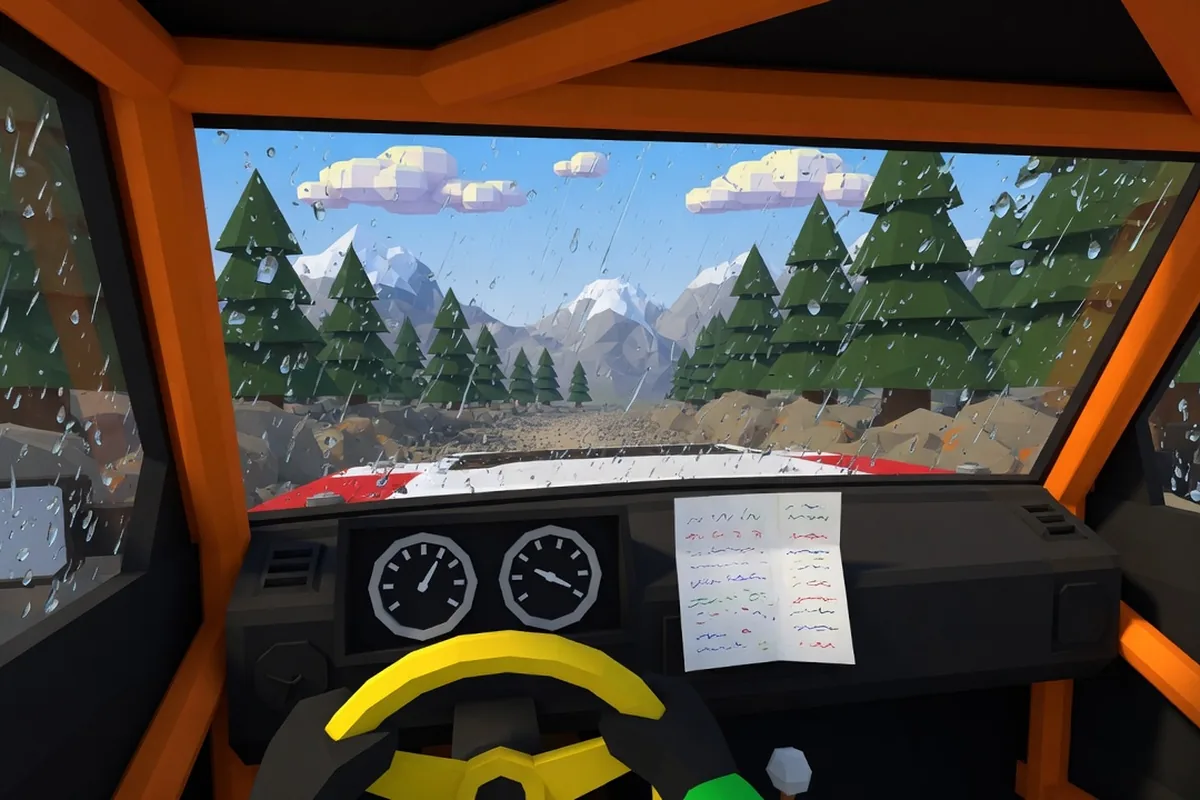
As of 2026-10-25, published guides do not document a camera, view, or FOV control. The driving picture described everywhere is the cockpit. If a later update adds a row, the in-game label wins over this page.
Controller bindings differ from the keyboard, and mobile uses Roblox touch controls. Neither has a published per-button chart. Read the HUD prompt on your device.
Watch a run
CHALLS walks a first Pine Forest run, including start box, drift, wipers, and the RELEASE code. Upload date on YouTube: 2026-10-20T13:25:49-07:00.
FAQ
How do I change the camera in Backseat Rally?
No public source records a camera key or a settings row for it. The view in guides and videos is the cockpit. Check Settings → Driving; the documented rows are Handling, Brake assist, and Co-driver calls.
What does N do?
It toggles handling between Arcade and Sim, the same choice as the Driving setting.
Why does the brake tutorial not finish?
Driver Basics wants S held until the bar completes. A tap does not count.
Sources
Questions and corrections: [email protected].